Removing Email Signature From Gmail
-
Log into your Gmail account (Already logged in? Click here, scroll down, and edit.)
-
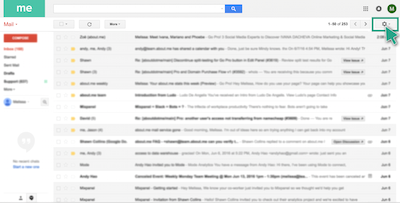
Click “Settings” in the top right.
-
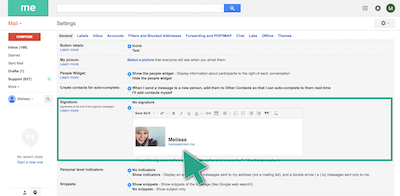
Scroll down to the “Signature” section.
-
Highlight and delete the contents of the text entry box.
-
Scroll to the bottom of the page and click “Save Changes.”